HEADING STRUCTURE ANALYZER
RAG (Retrieval-Augmented Generation) systems use heading tags as natural document boundaries. H2 and H3 elements define the contextual chunks stored in vector databases. Audit your outlines to prevent retrieval gaps.
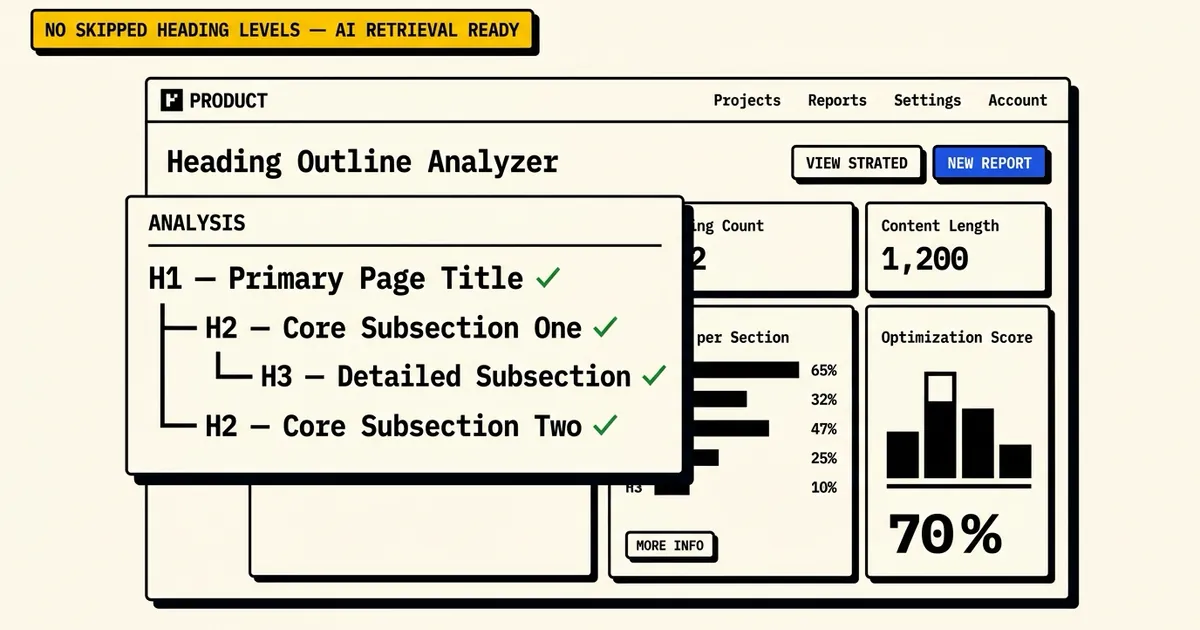
Enter a website URL to audit
its semantic heading outline tree.
FREQUENTLY ASKED
What is the correct heading structure for SEO?
The correct heading structure follows a strict numerical hierarchy (H1 → H2 → H3 → H4). A page should contain exactly one H1 tag defining the primary topic, with subtopics organized under H2 elements. Detailed sections under H2s are marked with H3s. Heading tags should never be skipped (e.g. H1 directly to H3) as it breaks readability.
Can a page have multiple H1 tags?
While HTML5 technically allows multiple H1 elements (e.g., in nested sectioning tags), traditional SEO guidelines and accessibility standards advise using only one H1 tag per page. This provides search engine crawlers and screen readers with a single, clear primary title for the document.
How do H2 and H3 tags affect AI search?
Generative AI engines and RAG (Retrieval-Augmented Generation) systems parse content in chunks. Heading tags (like H2 and H3) act as boundary markers for these chunks. An organized outline ensures that search algorithms can extract and cite precise sections of your text without retrieving unrelated content.
What makes a heading tag too long?
A heading tag should ideally be a short, descriptive phrase of under 8-10 words. Lengthy headings dilute the importance of primary keywords, confuse layout scanners, and make it harder for AI indexing models to map the semantic hierarchy of your page.