AI CRAWLER CHECKER
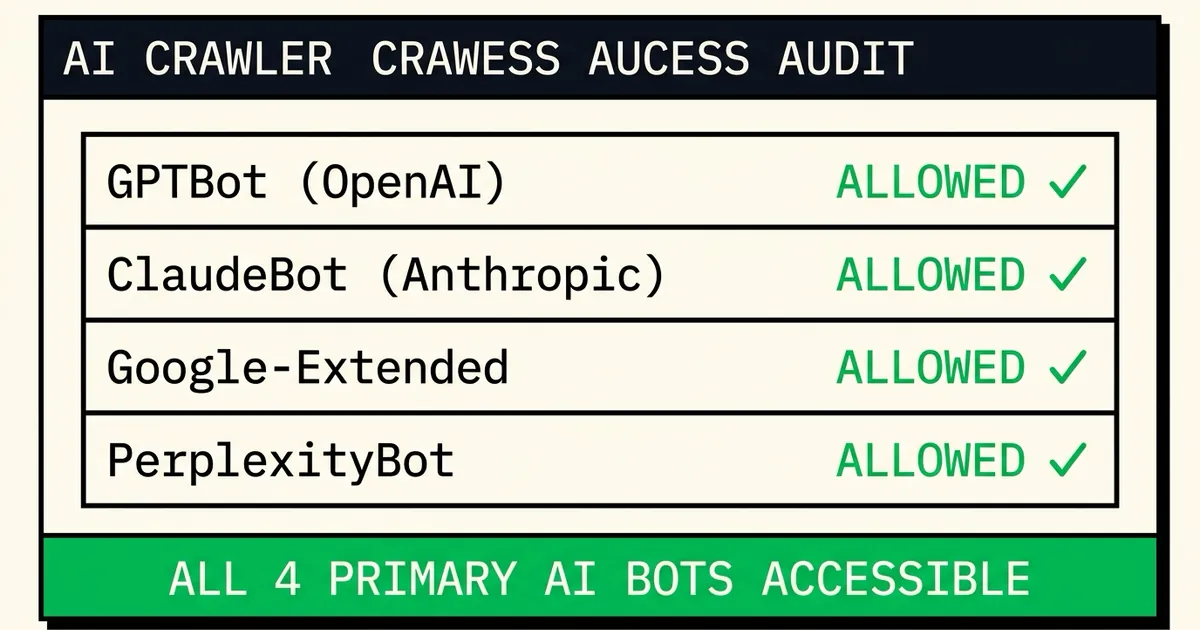
Instantly check if your robots.txt file grants access to standard AI retrieval agents. Blocked crawlers cannot index your brand entities, resulting in direct competitor displacement.
Enter a website URL to scan
its robots.txt policies for AI agents.
FREQUENTLY ASKED
What is GPTBot and should I block it?
GPTBot is OpenAI's web crawler used to train ChatGPT. If you block GPTBot in your robots.txt file, your content will not be included in future ChatGPT training datasets, which may reduce the likelihood of ChatGPT citing or recommending your brand. For most businesses, allowing GPTBot is beneficial for Generative Engine Optimization (GEO). You should only block it if you have proprietary or sensitive content you do not want in AI training data.
What is Google-Extended and why does it matter?
Google-Extended is a user-agent token introduced by Google specifically for controlling access by Bard and Google's AI products. It is separate from Googlebot (the standard search crawler). Blocking Google-Extended prevents your content from informing Google AI Overviews and Gemini responses, even if your site still ranks normally in Google Search.
Which AI crawlers should I block?
In general, avoid blocking OAI-SearchBot, GPTBot, and Google-Extended unless your product handles sensitive IP or copyrighted creative datasets. Blocking these search bots makes your brand completely invisible in conversational queries, leading to competitor displacement.
Does blocking AI crawlers hurt my SEO?
Blocking AI user-agents in robots.txt does not affect traditional organic Google search rankings. However, it blocks your brand from appearing in conversational AI Overviews, Perplexity citations, and Claude/Gemini answers, severing a critical source of modern informational traffic.