ROBOTS.TXT GENERATOR
Over 400 major AI crawlers now exist. GPTBot alone crawls over 1 billion pages per day. Control exactly who reads your content instantly. Toggle bots, add custom paths, and download your valid robots.txt.
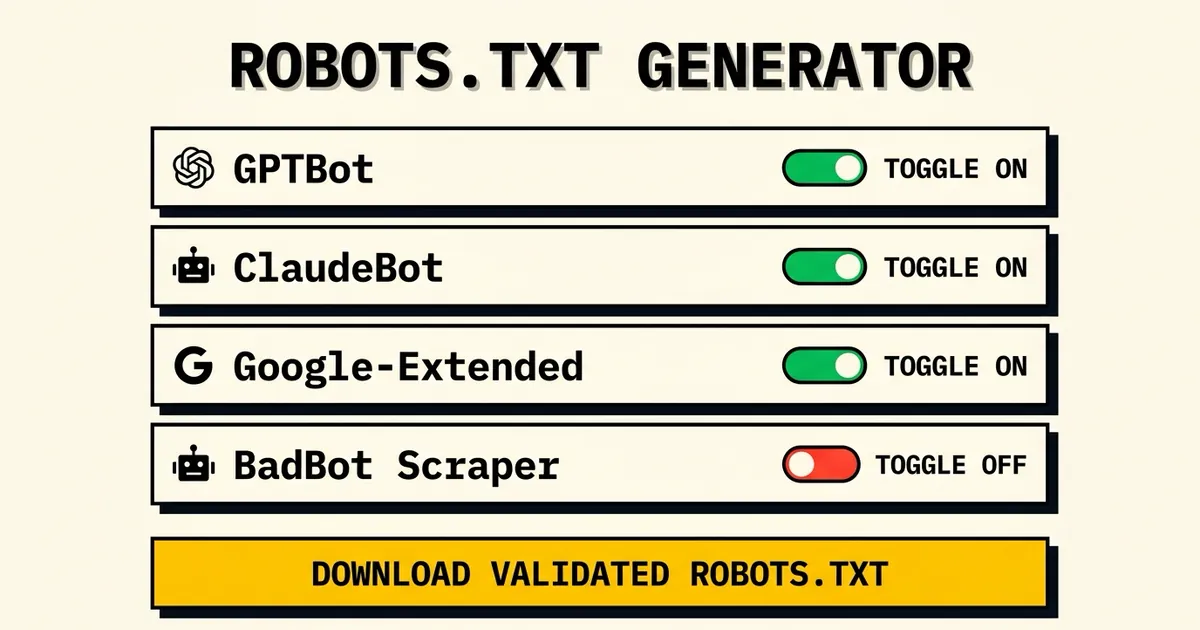
1AI Bots & Crawlers
Toggle AccessChoose which search engines and generative models can crawl your site.
2Custom Paths
Path RulesBlock or allow specific directories (e.g. block /admin).
3Sitemap URL (Optional)
XML ReferenceAppends a Sitemap reference to the bottom of the file to guide search spiders.
Check Live access
Verify if AI models are actively parsing your domains in real-time. Find blocks instantly.
FREQUENTLY ASKED
What is a robots.txt file?
A robots.txt file is a simple text file placed in the root directory of your website. It provides instructions to web robots (crawlers) about which pages they are allowed to request and crawl, and which ones are restricted. It's the standard way to manage crawler traffic.
Should I allow GPTBot in my robots.txt?
If you want your website's content to be used to train OpenAI's models and potentially surface in AI-generated answers, you should allow GPTBot. If your content is highly proprietary and you wish to opt-out of AI training, you should block it using 'Disallow: /'.
How do I block AI crawlers without affecting Google?
Robots.txt uses specific 'User-agent' rules. By specifically declaring 'User-agent: GPTBot' and 'User-agent: ClaudeBot' with 'Disallow: /', you block those specific AI crawlers. As long as you don't block 'Googlebot' or '*', your Google search rankings will remain unaffected.
What happens if I have no robots.txt file?
If a crawler doesn't find a robots.txt file (receiving a 404 error), it assumes that all content on the site is allowed to be crawled. Having no file is essentially the same as allowing all bots unrestricted access.
How often do AI crawlers re-check robots.txt?
Most major crawlers, including Googlebot and popular AI bots, cache the robots.txt file for up to 24 hours. When you update your file, it may take a day for crawlers to respect the new rules.