OPEN GRAPH CARD TESTER
Test and optimize links for X (formerly Twitter), LinkedIn, and Facebook Link Shares. Make sure your meta-images are not cropped or missing when shared directly in messaging channels like Slack or iMessage.
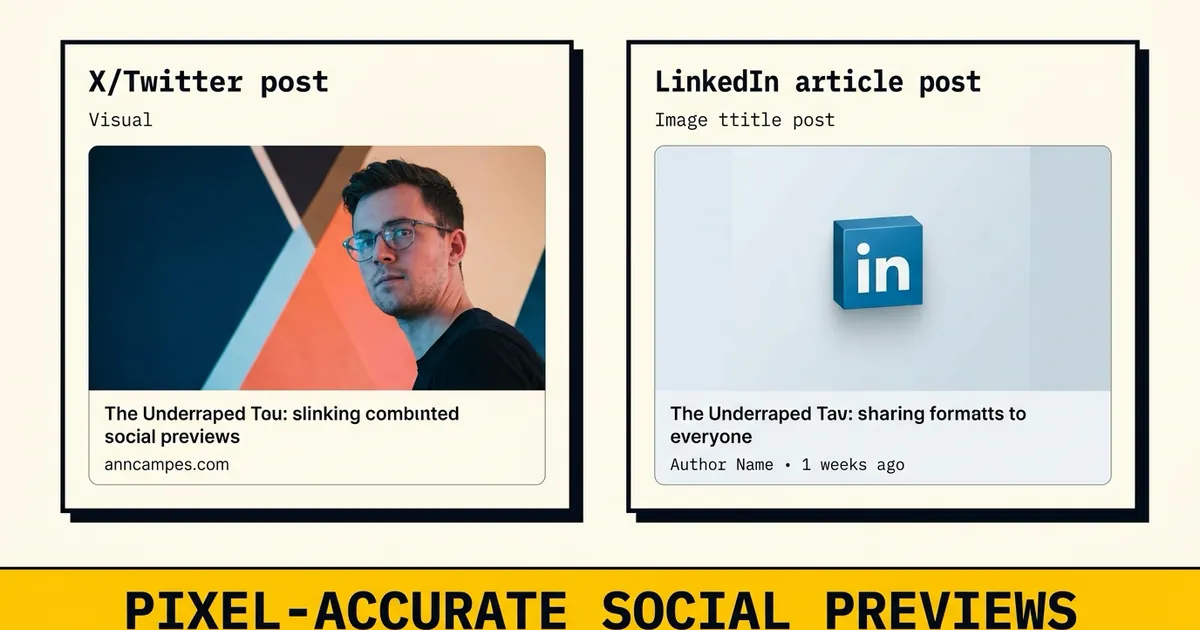
Enter a website URL to preview
its Open Graph and Twitter Card mockups.
FREQUENTLY ASKED
Why do my social sharing previews look wrong?
Social media networks use cached scrapers. If you recently updated your Open Graph tags, platforms like LinkedIn and Facebook will still show the old tags until you clear their cache using their developer debuggers (like the Facebook Sharing Debugger or LinkedIn Post Inspector).
What is the recommended Open Graph image size?
The recommended Open Graph image size is 1200 x 630 pixels. This aspect ratio (1.91:1) ensures your image renders sharply and is not cropped on Facebook, X/Twitter, LinkedIn, and messaging applications.
How does og:type affect card layouts?
The og:type meta tag specifies the media type of your page (e.g., website, article, book, profile). Most pages use 'website' or 'article'. Different types determine how platforms categorize your link and can affect formatting on platforms like Pinterest.
What is the difference between Twitter Card and Open Graph?
Open Graph is the global standard created by Facebook and supported by almost all networks. Twitter (X) developed its own standard (twitter:card). If Twitter tags are missing, it will automatically fall back to Open Graph tags, but explicitly defining them ensures layout consistency on X.